Synthetic data generation
With the use of realistic 3D models and the help of syntheticAIdata service you can train your custom vision model with 3 simple steps:
1. Uploading the 3D model
2. Configuring the options
3. Generating Synthetic Data
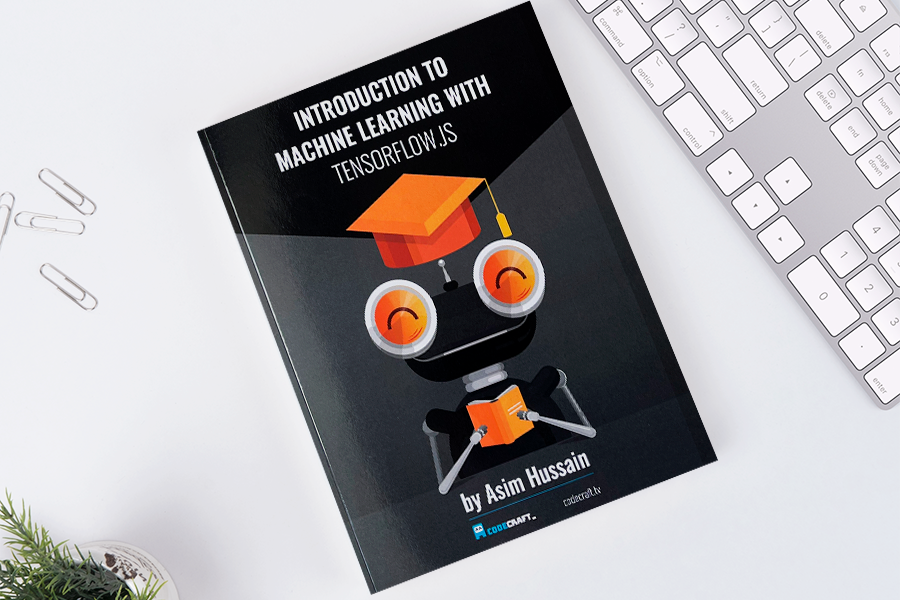
Our team prepared a realistic 3D model of the book and texture for the model. Then, they chose background images from our “Indoor” image category. During the model generation process, the 3D model of the book was rendered from multiple angles. This strategy allows vision AI to detect the book from different angles, which increases the model's accuracy.
Once we generated the images, we used the integration feature to Azure, which automatically uploads the images to Azure Custom Vision. In Azure Custom Vision, these uploaded images are tagged correctly and ready to use for training train the model.
The following video shows several synthetic images generated in the process and testing results
.